Security and methodology
How ProfitGuide treats your numbers and your data
ProfitGuide reads commercially sensitive records, so this page says exactly what it accesses, how the figures are worked out, and how the data is protected. It describes what is built and tested today.
How the figures are calculated
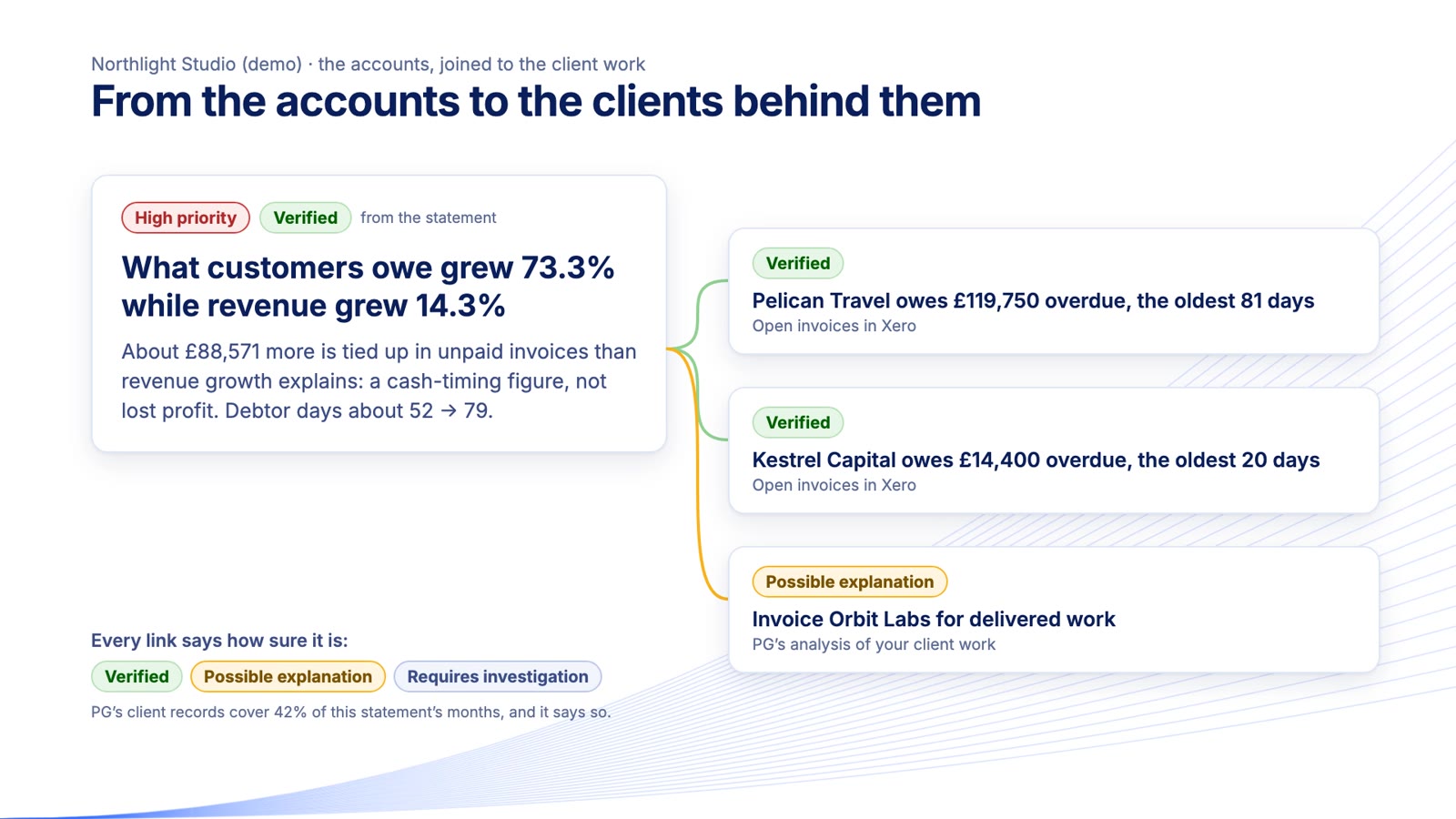
Every figure comes from fixed, tested calculations applied to your own records, and a structured rulebook decides what counts as a finding. Each figure links back to the rows it came from. Estimates are labelled as estimates, with what they depend on. When the data for a check is missing, ProfitGuide says why the check could not run rather than passing it.
Opportunities that overlap are counted once, and yearly profit is never added to one-off cash.
Where AI fits
- AI is off unless an owner switches it on.
- It only puts findings into words. It never calculates a figure.
- Names are replaced with codes before anything is sent, unless the owner chooses otherwise. Uploaded files are never sent.
- A reply that states a figure not in the data sent is discarded, and ProfitGuide's own wording is shown instead.
Signing in
- Every account needs a code from an authenticator app as well as a password.
- Passwords are checked against known breaches, repeated failures lock the account for a while, and risky actions ask you to sign in again.
- You're emailed when your account signs in from a browser it hasn't used before.
What ProfitGuide reads
- From Xero: sales invoices, credit notes and supplier bills (with contact names), your profit and loss, balance sheet, chart of accounts and monthly bank totals. You connect through Xero's own sign-in page.
- From ClickUp or Jira, if you connect them: who logged time, on what and for how long.
- Access is read-only: ProfitGuide changes nothing in those systems. Access keys are encrypted and never shown back.
- It never sees individual bank transactions, bank log-ins, card numbers or your Xero password.
Keeping each organisation separate
Each organisation's data is walled off inside the database itself, so a query for one organisation cannot return another's rows. The server tests this separation every time it starts, and refuses to run if the test fails.
Your control over your data
- Owners can download their data as a ZIP at any time.
- Owners can delete their organisation's data at any time. That also withdraws ProfitGuide's access in Xero. If Xero can't be reached at that moment, you're told how to remove it there yourself.
- ProfitGuide doesn't sell your data, use it for advertising or send you marketing you haven't asked for.
If you share your data with us
Your data is kept on one laptop with full-disk encryption, not on a server. Daily backups are encrypted and kept for 14 days. On the date we agree, you delete everything yourself.
What we haven't done yet
ProfitGuide is at pilot stage and hasn't had an independent security certification. We don't display certification badges, and won't until one is genuinely obtained.
Questions or a security concern
Email [CONTACT_EMAIL].